Anatomy of a Qandycode
design elements
Custom backgrounds
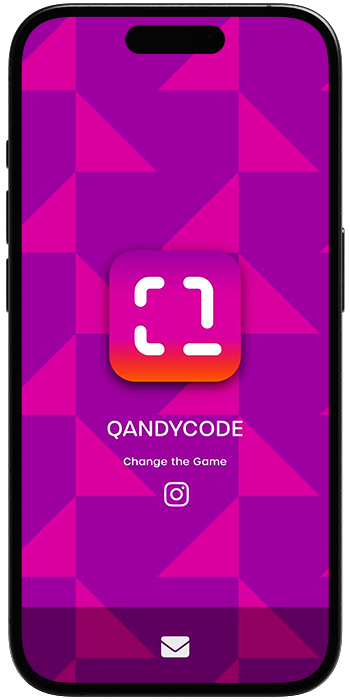
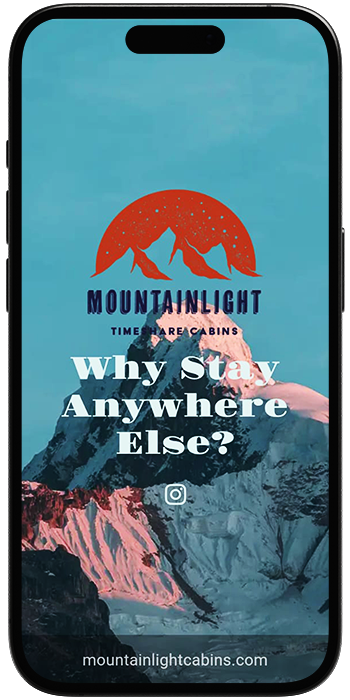
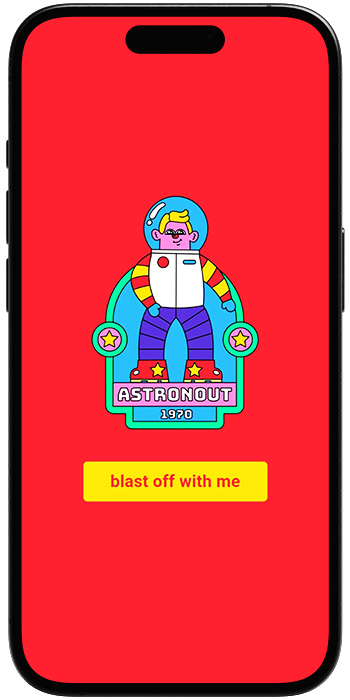
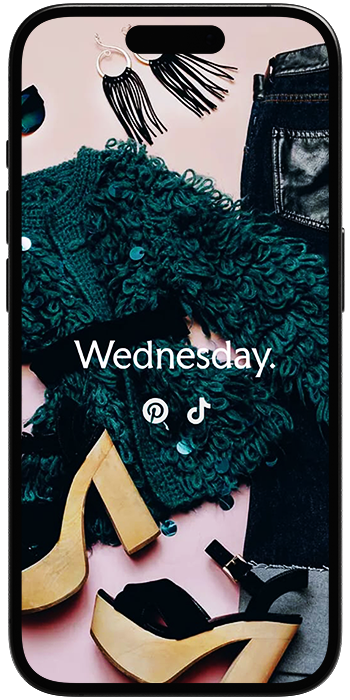
Choose from any of our animated and pattern design background libraries, pick a custom color, or upload your own background image.
Font library
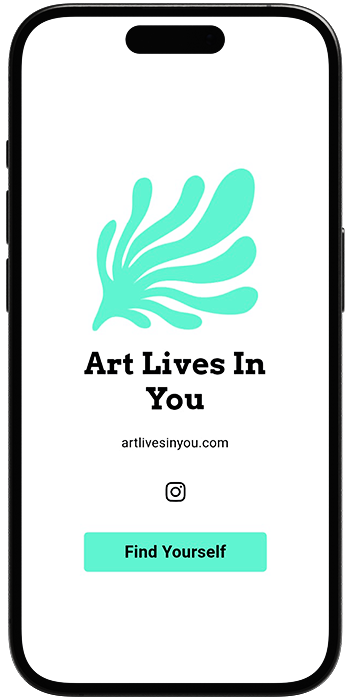
Select from 30 different fonts that give your headline the perfect style to match your brand or marketing campaign.
Logo or Avatar
Upload your logo or avatar image to make your Mobile Qard fully branded, and choose between shape styles.
Button styling
Style a Call-to-Action button to go with your Mobile Qard’s design and palette using the color picker.
scan for demo
content elements
Headline & Blurb
Big headlines of up to 85 characters and blurbs of up to 120 characters to craft your Mobile Qard’s message.
Social media
Add up to four social media links. Select from all the major social media platforms and display their icons.
Footer option
Choose to add a footer with your own custom text, or contact icons that link to your email, phone number or WhatsApp.
Custom links
Add up to two custom links to your Mobile Qard, with the option of a full screen hyperlink under Poster mode.